AIPET SDK
PET SDK Reference
This page is a compact in-browser reference for custom PET plugins used by AIPET. Start with the public
reference personalities on GitHub, then preview your own plugin in the browser debugger.
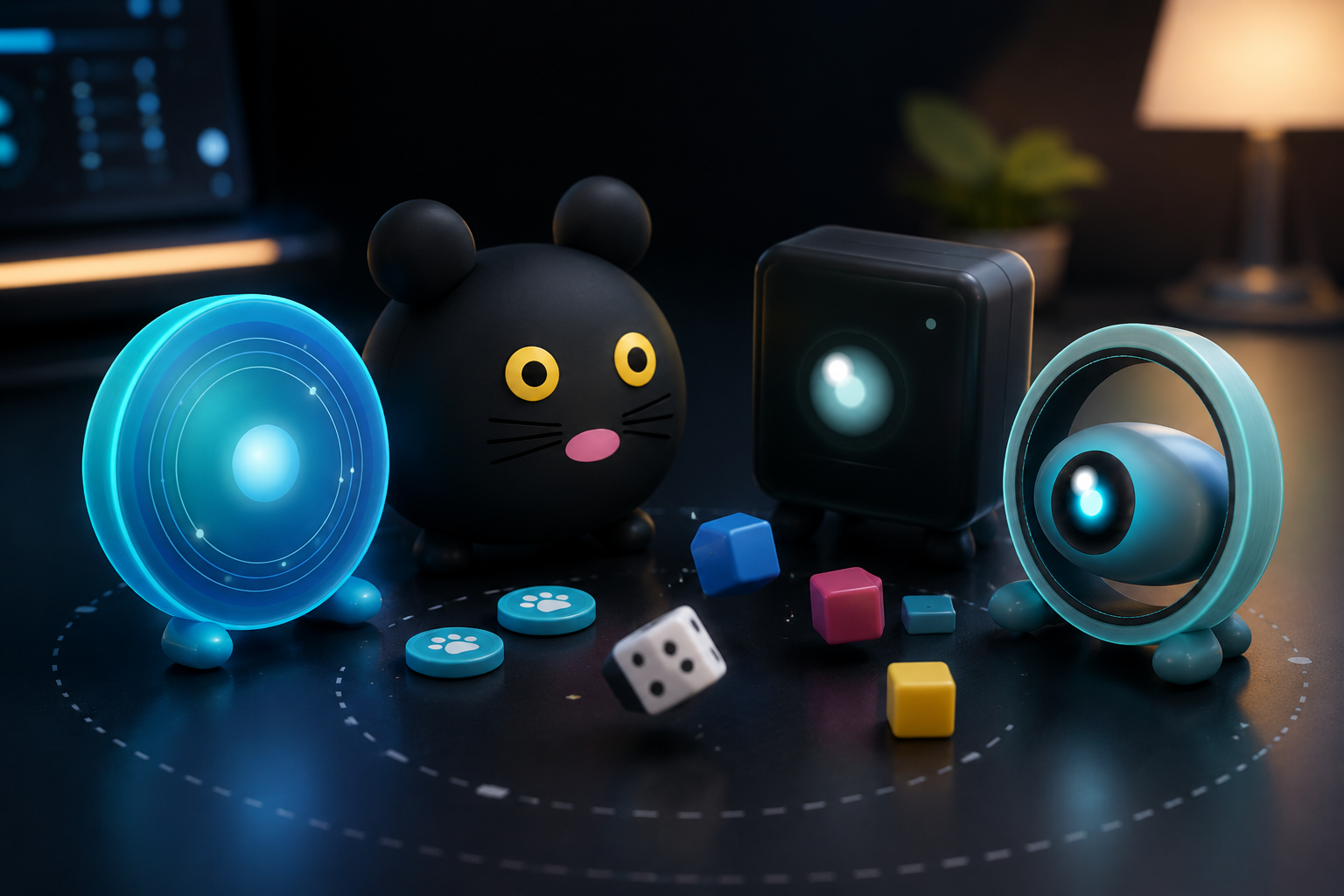
Clone the starter kit, study Observer Orb, Silent Monitor, Digital Ghost and Data Cloud, then contribute a new context-aware pet personality through a pull request.
Core Shape
Each plugin registers itself with registerCustomPetPlugin({...}).
registerCustomPetPlugin({
  css: `#pet.pet-custom.my-pet {}`,
  bubble: {
    variant: 'glass',
    accent: '#8cf7ff',
    background: '#0b2632',
    text: '#eaffff',
    border: '#62eaff',
    radius: 24,
    tail: 'soft',
    shadow: 'glow'
  },
  render() {
    return `<div id="my-pet-root"></div>`;
  },
  onMount({ petElement }) {
    petElement.classList.add('my-pet');
  },
  onUnmount({ petElement }) {
    petElement.classList.remove('my-pet');
  }
});
High-Value Hooks
onAnimationChange for base state transitionsonSocialEvent for semantic reactions and easter eggsonGesture for lightweight gesture pulsesonVisionState for tracked people, faces, objects, gesturesonSystemState for throttling, thermal, CPU, battery cuesonAppSwitch for raw foreground application context
Bubble Theme
The optional bubble object customizes the PET speech bubble through safe static tokens, not arbitrary injected CSS.
bubble: {
  variant: 'glass',      // default | soft | glass | terminal | neon | paper | comic | minimal
  accent: '#8cf7ff',     // hex colors only
  background: '#0b2632',
  text: '#eaffff',
  border: '#62eaff',
  radius: 24,
  tail: 'soft',          // default | soft | sharp | none
  shadow: 'glow',        // none | soft | strong | glow
  font: 'default',       // default | mono | rounded | serif
  density: 'comfortable',
  animation: 'float'
}
Preview bubble themes in the SDK Debugger before shipping a PET.
Behavior States
Normalized states expected by the runtime:
idleawakesleepthinkingsearchingalert_unknown_personfocus_activefocus_lost
Extended states available to plugins
curiosity_peakemotional_responsedefensive_mode
Social Event Contract
onSocialEvent receives { type, context, ...hookContext }.
Current important social event types:
UNKNOWN_PERSONOWNER_WITH_GUESTOWNER_WITH_KNOWN_AND_UNKNOWNNO_PERSONNAIL_BITINGMIDDLE_FINGER
Recommended pattern: use onGesture for fast generic gesture effects, but use onSocialEvent when a gesture is promoted into a stronger semantic event such as MIDDLE_FINGER.
App Switch Contract
onAppSwitch receives raw foreground application data whenever the user switches apps.
Use fields such as appName, windowTitle, bundleIdentifier, and processName to build custom reactions.
onAppSwitch({ appName, windowTitle, bundleIdentifier }) {
  const text = `${appName} ${windowTitle} ${bundleIdentifier}`.toLowerCase();
  if (text.includes('code') || text.includes('phpstorm')) {
    // trigger coding animation
  }
}
Implementation Guidance
- Keep
onAnimationChange authoritative for the resting visual state.
- Use short-lived event classes for bursts such as social reactions.
- Prefer CSS animation over heavy JS.
- Clean up classes and inline styles in
onUnmount.
- For custom testing, use
/sdk/debugger.